If a resident can’t use a vendor’s system, that’s still the town’s responsibility under Title II.
A VPAT shows what a vendor claims. It doesn’t prove residents can actually get through the system.
Ask for the vendor’s roadmap too: what is out of conformance, and when they plan to fix it.
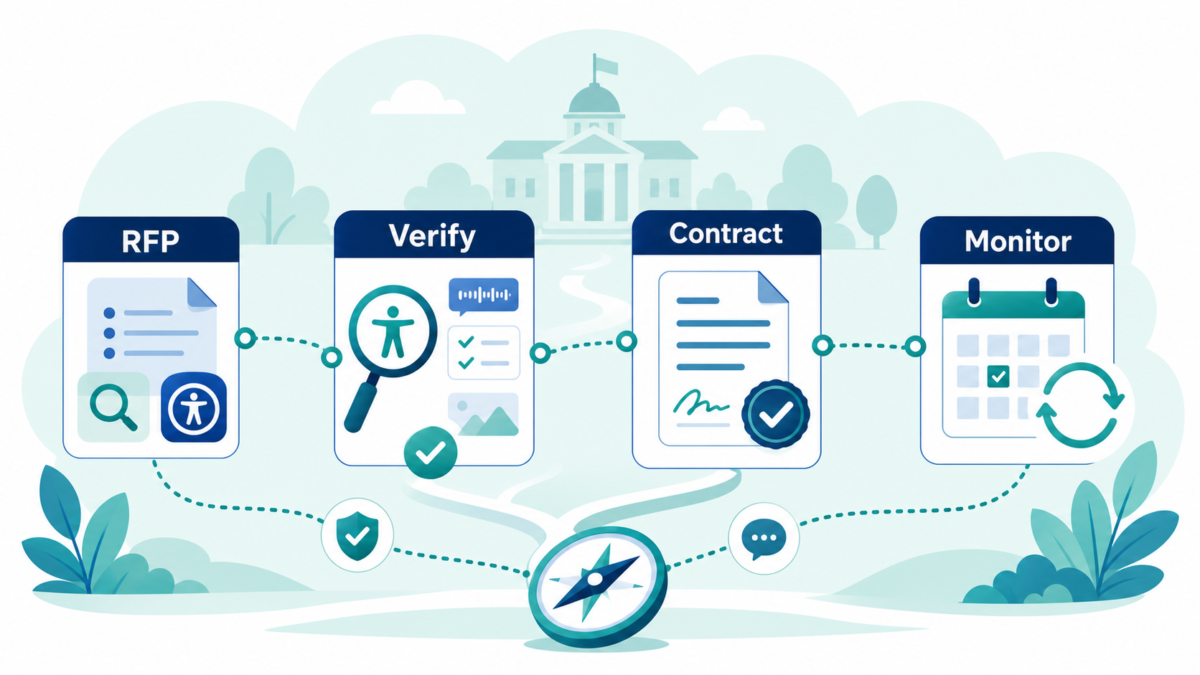
Real protection starts in the RFP and the contract, not after the system is already live.
Monitoring doesn’t stop at renewal. If a resident or staff member flags a problem, that is when you contact the vendor’s accessibility contact.
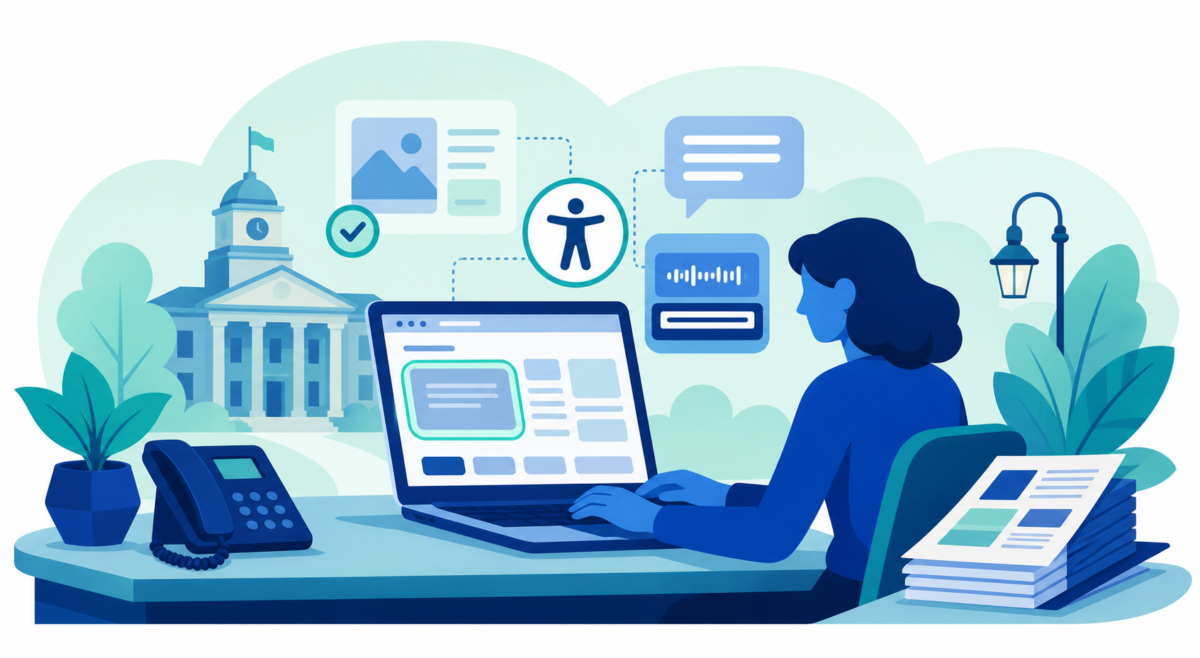
Picture a town that just launched a new recreation portal. Registration for summer camp opens on a Monday morning. A parent who uses a screen reader logs in early, before spots fill. The program page loads fine. The dates work. Her payment card is ready.
Then checkout breaks. The form does not read correctly to her screen reader, and she cannot finish signing up her kid.
The town did not build that portal. A vendor did, and hosts it, and maintains it. But to that parent, it is a town service, not someone else’s software.
That is the gap most municipalities do not see until a resident hits it. Title II of the Americans with Disabilities Act (ADA) already requires public entities to make their services, programs, and activities accessible, and that requirement does not stop at your own website. If a vendor runs it, and residents depend on it, it is still yours.
Do you actually know?
Most municipalities lean on vendor systems constantly: recreation registration, online payments, permit applications, records portals, GIS maps, agenda platforms, job postings.
Residents never experience those as third-party software. They experience them as access to a town service.
So the real procurement question is not whether a vendor says it cares about accessibility. It is whether you know if residents can get through the tasks that matter: registering, paying, filing, searching, and downloading.
Can you enforce it?
Knowing there is a gap is only half the problem. The harder question is whether your contract gives you any way to close it.
If accessibility was never part of the RFP, the scoring, or the contract language, you are stuck asking nicely after the system is already live. That is a weak position, and it is avoidable.
Accessibility is a decision before the contract is signed. After that, it is cleanup, and cleanup is slower, costlier, and harder on the residents waiting on the other end.
What good procurement asks
Four things belong in every RFP and every renewal conversation.
Ask. What level of conformance is the vendor’s product at, and do they have a published report to show it, such as a VPAT? If something is out of conformance today, what is their plan to fix it, and by when?
Verify. Do not take the report at its word. Test the tasks your residents actually need to complete, not just the product in general.
Contract for it. Put accessibility requirements in writing before you sign. That is what lets you hold the vendor to them later, not a conversation you remember having.
Monitor what ships. Track the vendor’s fixes against their own roadmap. If a resident or your own staff flags a problem, contact the vendor’s accessibility contact directly, rather than waiting for renewal.
These are not exotic asks. They are normal governance, the same instinct you already apply to cost and data security.
Where to start
Most municipalities we talk with have never had the chance to ask these questions systematically. That is normal. Procurement moves fast, and accessibility is rarely part of the scoring.
If you want a second read, send us the language you are using today, whether that is an RFP section, a contract clause, or a VPAT a vendor just handed you. We will give you a general read on where the gaps are and where to tighten it. Or if you prefer to meet and discuss, book a 15-minute conversation with Dirigo Interactive.
Do the work once. Do it right, starting with what you sign.
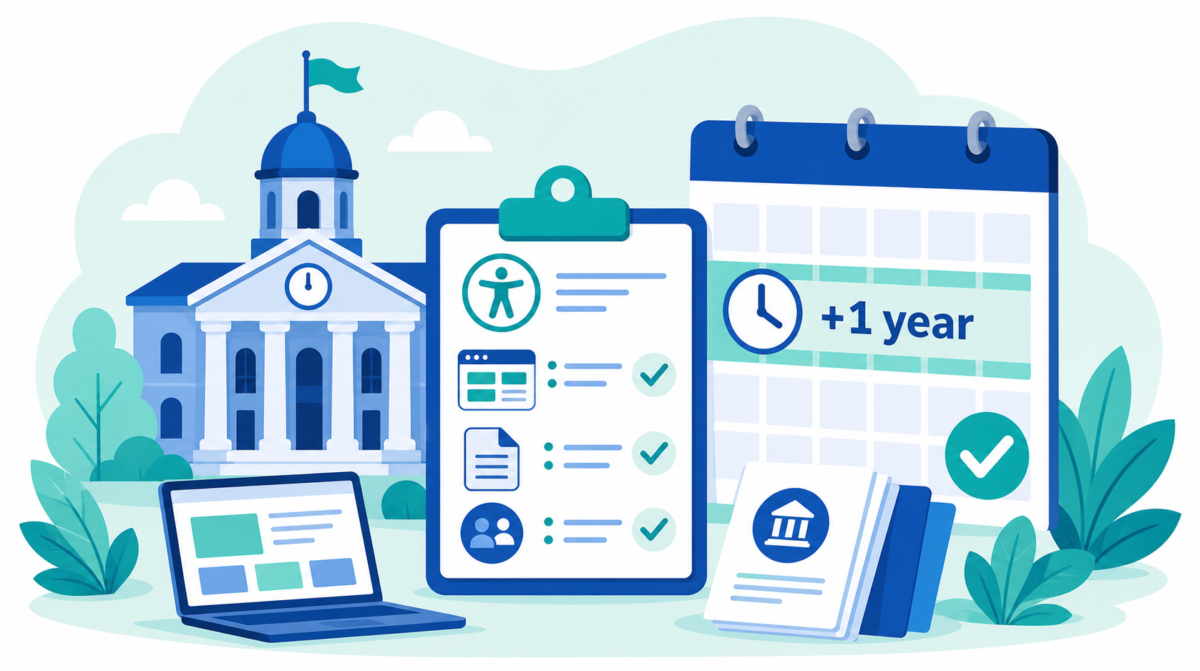
The Department of Justice’s (DOJ) interim final rule extends the ADA1 Title II web and mobile accessibility compliance dates by one year. Large entities now have until April 26, 2027. Smaller municipalities and special districts have until April 26, 2028. Most of the coverage is reading this as relief. We don’t.
The extension is a useful gift for organizations that were already moving. It is a trap for the ones who treat compliance as a deadline-driven project.
ADA (Americans with Disabilities Act) Title II now gives towns, cities, and other public entities a specific web and mobile app standard: WCAG ( Web Content Accessibility Guidelines) 2.1 AA. The dates matter, but the point is simpler than the rule itself: residents need to be able to use public services online.
Quick take
ADA Title II applies to state and local government services, including services offered online.
The technical standard is WCAG 2.1 AA.
The compliance dates are April 26, 2027 for public entities with populations of 50,000 or more, and April 26, 2028 for smaller public entities and special district governments.
The deadline is when enforcement of the web and mobile app rule starts. It is not a reason to wait.
Your website is only part of the work. PDFs, forms, payment portals, permit systems, mobile apps, videos, and social media all matter.
A clean automated scan does not mean your town or city is compliant.
A CMS, SaaS platform, or software tool saying “we are compliant” does not mean your municipality is covered.
The right first step is to understand what residents use, what is blocking access, and what your team can maintain.
That standard is Web Content Accessibility Guidelines 2.1, Level AA, usually shortened to WCAG 2.1 AA.
The current compliance dates are:
April 26, 2027 for public entities with a population of 50,000 or more
April 26, 2028 for public entities with a population under 50,000
April 26, 2028 for special district governments
Only the dates moved. The requirement to provide accessible services did not.
After those dates, covered web content and mobile apps need to meet WCAG 2.1 AA, and public entities need to keep them that way. This is not a one-time cleanup. Accessibility is a practice you maintain.
Why this is more than a website project
The homepage gets most of the attention. It should get some. But residents do not experience a town or city as a homepage.
They experience it as a set of tasks:
Can I find the right meeting agenda?
Can I read the PDF once I find it?
Can I submit the permit form?
Can I pay the bill?
Can I use the emergency alert page on my phone?
Can I understand the chart, map, or image that explains a public decision?
Can I watch the meeting video with captions?
That is the real scope.
For most municipalities, the work includes:
the main website
PDFs, forms, agendas, budgets, notices, and reports
payment, tax, permitting, recreation, and licensing portals
mobile apps
embedded maps, calendars, meeting tools, and third-party widgets
public meeting videos and recordings
email newsletters
social media posts
content created by departments, boards, committees, implementation partners, and content contractors
If a resident needs it to use a public service, it belongs in the conversation.
Common watch-out: the automated scan
Automated accessibility scans are useful. Use them.
Just do not treat them as proof that the work is done.
A scanner can catch some issues quickly: missing form labels, some color contrast problems, missing image text, missing page titles, and broken structure in some cases.
But a scanner cannot understand the whole resident experience. It cannot always tell whether a link label makes sense, whether keyboard focus moves in a usable order, whether alternative text is useful, whether a PDF reads correctly, or whether a form can actually be completed by someone using assistive technology.
So if your report says “passed,” ask what was tested.
Which pages were included?
Were PDFs tested?
Were forms tested by keyboard?
Were payment or permit portals included?
Were mobile views tested?
Were captions, transcripts, and social posts reviewed?
Did a person test the key tasks, or did a tool only scan the code?
A scan is a starting point. It should not be the plan.
Common watch-out: the software promise
Another common mistake is assuming the website CMS, payment portal, permitting system, agenda tool, or other software platform carries the municipality’s ADA obligation.
It does not.
A CMS or SaaS tool may be built with accessibility in mind. That helps. It matters. But Title II still applies to the municipality’s services, programs, and activities. If the town publishes inaccessible PDFs, adds an inaccessible plug-in, posts images without text descriptions, or buys a payment system residents cannot use, the resident still experiences the town’s service as inaccessible.
Software claims also need to be checked. “Compliant” can mean different things in a sales conversation.
Before signing or renewing a contract, ask for plain answers:
What standard do you meet? Is it WCAG 2.1 AA?
What parts of the system are covered?
Are documents, forms, and uploaded content covered?
How do you test?
Do you test with keyboard-only use?
Do you test with screen readers?
How are defects fixed?
What happens when the town or city adds new content?
What accessibility language is in the contract?
The goal is not to blame the software company or the implementation partner. The goal is to know where responsibility sits before a resident is blocked.
The PDF library is usually where the work gets real
For many towns and cities, PDFs are the largest accessibility backlog.
Some are old and barely used. Some are current and essential. Those two groups should not be treated the same.
The practical path is triage:
Archive what is truly old and kept only for reference.
Remove duplicates and dead files.
Prioritize documents residents use to access services.
Remediate active forms, notices, agendas, and public meeting materials.
Train the people who create documents so new barriers do not appear every week.
This is where a lot of municipalities lose time. They look at a large document library and assume the only options are “fix everything” or “wait.”
There is a better middle path: sort the library, focus on what matters most, and build a publishing process staff can keep using.
Social media counts too
Social media is often treated as separate from the website. Residents do not see it that way.
If your town or city posts an image of a road closure, event flyer, election notice, public meeting update, or emergency alert, the important information needs to be available to people who cannot see the image.
That usually means writing the key information in the post text and adding useful alt text when the platform allows it.
The DOJ rule includes an exception for social media posts made before the compliance date. That does not mean social media can be ignored. It means the practical focus should be on what your municipality posts going forward and how you respond when someone asks for access to older content.
This is a staff training issue as much as a technical issue.
The deadline is not the starting line
April 2027 and April 2028 sound far away until the work is scoped.
Most municipalities do not have one website and one owner. They have departments, committees, boards, implementation partners, old PDFs, new PDFs, third-party tools, and staff who publish content as one part of an already full job.
That is why waiting gets expensive.
The towns and cities that start now can:
find the biggest barriers before a complaint does
put real numbers into the next budget
update CMS, SaaS, portal, and software contracts before renewal
train staff before the compliance date
fix the most-used services first
avoid rush work later
The deadline is when enforcement starts. The work should start sooner.
Where should a municipality start?
Do not start by fixing whatever a scanner finds first.
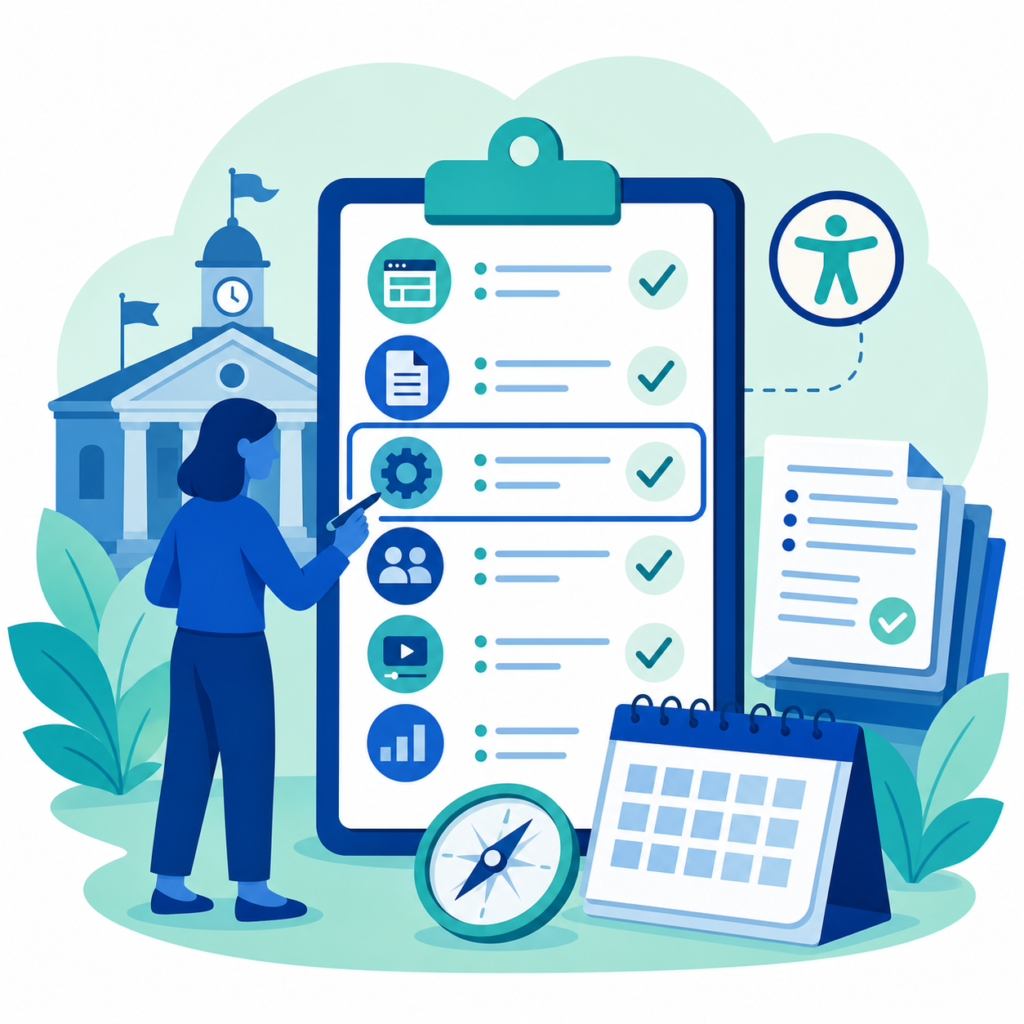
Start with six questions:
Where do residents actually reach us?
What technology runs those channels?
Who creates and publishes the content?
What is shutting the most residents out right now?
What do we fix first, and what can wait?
How do we keep the work from slipping back?
Those questions give you a better first step than a long defect list.
They show the whole picture: channels, technology, people, process, risk, and budget.
From there, you can build an ordered plan. Plain language. Real priorities. A number your town or city can put in the budget.
That is the purpose of a Digital Accessibility Needs Assessment. Not a thick report for a shelf. A clear picture of where you stand, what matters most, and what to do first.
A practical first month
If your municipality has not started yet, this is a reasonable first month:
List the public-facing channels residents use.
Identify the most-used resident tasks.
Pull a sample of PDFs, forms, videos, and social posts.
Ask CMS, SaaS, portal, and software providers for accessibility documentation and testing details.
Run automated scans, but treat them as one input.
Test a few key tasks manually.
Identify who publishes content and what training they need.
Separate urgent barriers from lower-priority cleanup.
You do not need every answer before you start. You need an honest picture of where you stand.
What is ADA Title II?
ADA Title II is the part of the Americans with Disabilities Act that applies to state and local governments. It requires public entities to make their services, programs, and activities accessible to people with disabilities.
What standard applies to municipal websites and apps?
The DOJ rule points to WCAG 2.1 AA for covered web content and mobile apps.
Do PDFs count under ADA Title II?
Yes. PDFs and other documents can be in scope, especially when residents use them to apply for, access, or participate in public services.
Do social media posts count?
Yes, social media belongs in the planning process. Older posts have a specific exception under the DOJ rule, but towns and cities still need a process for accessible social content going forward.
Is an automated scan enough?
No. Automated scans help find some issues, but they do not test the whole resident experience. Manual review and task-based testing are still needed.
Does our CMS or SaaS tool make us compliant?
No. CMSs, SaaS tools, and implementation partners can help, and contract language matters, but the municipality is still responsible for the public service residents use.
The real outcome
The best accessibility work does more than reduce legal risk.
It helps more people use public services on their own terms.
It helps a parent fill out a school form without help. It helps a resident read a town meeting agenda with a screen reader. It helps someone with limited hand movement renew a license without fighting a form. It helps an older resident understand an emergency notice on a phone.
Compliance matters. Access is the point.
Dirigo Interactive helps towns and cities assess their digital accessibility, prioritize the work, and build a plan their teams can maintain. If your municipality needs a clear first step, a 15-minute conversation is enough to see where things stand and what the next move should be.