
ADA Title II for towns and cities: what municipalities need to know now


ADA (Americans with Disabilities Act) Title II now gives towns, cities, and other public entities a specific web and mobile app standard: WCAG ( Web Content Accessibility Guidelines) 2.1 AA. The dates matter, but the point is simpler than the rule itself: residents need to be able to use public services online.
Quick take
If you only have two minutes, start here.
- ADA Title II applies to state and local government services, including services offered online.
- The technical standard is WCAG 2.1 AA.
- The compliance dates are April 26, 2027 for public entities with populations of 50,000 or more, and April 26, 2028 for smaller public entities and special district governments.
- The deadline is when enforcement of the web and mobile app rule starts. It is not a reason to wait.
- Your website is only part of the work. PDFs, forms, payment portals, permit systems, mobile apps, videos, and social media all matter.
- A clean automated scan does not mean your town or city is compliant.
- A CMS, SaaS platform, or software tool saying “we are compliant” does not mean your municipality is covered.
- The right first step is to understand what residents use, what is blocking access, and what your team can maintain.
The short answer
ADA Title II now gives towns, cities, and other public entities a specific web and mobile app standard: WCAG 2.1 AA.
That sounds technical because it is. But the reason behind it is plain: residents need to be able to use public services online.
That includes reading a meeting agenda, paying a bill, applying for a permit, watching a public meeting, submitting a form, or understanding an emergency notice. If the digital version is the way your municipality provides the service, people with disabilities need a fair way to use it.
Compliance matters. Access is the point.
What changed under ADA Title II?
The Department of Justice has set a specific web and mobile app standard for state and local governments under Title II of the Americans with Disabilities Act.
That standard is Web Content Accessibility Guidelines 2.1, Level AA, usually shortened to WCAG 2.1 AA.
The current compliance dates are:
- April 26, 2027 for public entities with a population of 50,000 or more
- April 26, 2028 for public entities with a population under 50,000
- April 26, 2028 for special district governments
Only the dates moved. The requirement to provide accessible services did not.
After those dates, covered web content and mobile apps need to meet WCAG 2.1 AA, and public entities need to keep them that way. This is not a one-time cleanup. Accessibility is a practice you maintain.
Why this is more than a website project
The homepage gets most of the attention. It should get some. But residents do not experience a town or city as a homepage.
They experience it as a set of tasks:
- Can I find the right meeting agenda?
- Can I read the PDF once I find it?
- Can I submit the permit form?
- Can I pay the bill?
- Can I use the emergency alert page on my phone?
- Can I understand the chart, map, or image that explains a public decision?
- Can I watch the meeting video with captions?
That is the real scope.
For most municipalities, the work includes:

- the main website
- PDFs, forms, agendas, budgets, notices, and reports
- payment, tax, permitting, recreation, and licensing portals
- mobile apps
- embedded maps, calendars, meeting tools, and third-party widgets
- public meeting videos and recordings
- email newsletters
- social media posts
- content created by departments, boards, committees, implementation partners, and content contractors
If a resident needs it to use a public service, it belongs in the conversation.
Common watch-out: the automated scan
Automated accessibility scans are useful. Use them.
Just do not treat them as proof that the work is done.
A scanner can catch some issues quickly: missing form labels, some color contrast problems, missing image text, missing page titles, and broken structure in some cases.
But a scanner cannot understand the whole resident experience. It cannot always tell whether a link label makes sense, whether keyboard focus moves in a usable order, whether alternative text is useful, whether a PDF reads correctly, or whether a form can actually be completed by someone using assistive technology.
The World Wide Web Consortium says evaluation tools can help, but they cannot check everything automatically. Human judgment is required.
So if your report says “passed,” ask what was tested.
- Which pages were included?
- Were PDFs tested?
- Were forms tested by keyboard?
- Were payment or permit portals included?
- Were mobile views tested?
- Were captions, transcripts, and social posts reviewed?
- Did a person test the key tasks, or did a tool only scan the code?
A scan is a starting point. It should not be the plan.
Common watch-out: the software promise
Another common mistake is assuming the website CMS, payment portal, permitting system, agenda tool, or other software platform carries the municipality’s ADA obligation.
It does not.
A CMS or SaaS tool may be built with accessibility in mind. That helps. It matters. But Title II still applies to the municipality’s services, programs, and activities. If the town publishes inaccessible PDFs, adds an inaccessible plug-in, posts images without text descriptions, or buys a payment system residents cannot use, the resident still experiences the town’s service as inaccessible.
Software claims also need to be checked. “Compliant” can mean different things in a sales conversation.
Before signing or renewing a contract, ask for plain answers:
- What standard do you meet? Is it WCAG 2.1 AA?
- What parts of the system are covered?
- Are documents, forms, and uploaded content covered?
- How do you test?
- Do you test with keyboard-only use?
- Do you test with screen readers?
- How are defects fixed?
- What happens when the town or city adds new content?
- What accessibility language is in the contract?
The goal is not to blame the software company or the implementation partner. The goal is to know where responsibility sits before a resident is blocked.
The PDF library is usually where the work gets real
For many towns and cities, PDFs are the largest accessibility backlog.
Agendas. Minutes. Budgets. Annual reports. Notices. Permit applications. Recreation forms. Tax documents. Emergency plans. Public hearing materials.
Some are old and barely used. Some are current and essential. Those two groups should not be treated the same.
The practical path is triage:
- Archive what is truly old and kept only for reference.
- Remove duplicates and dead files.
- Prioritize documents residents use to access services.
- Remediate active forms, notices, agendas, and public meeting materials.
- Train the people who create documents so new barriers do not appear every week.
This is where a lot of municipalities lose time. They look at a large document library and assume the only options are “fix everything” or “wait.”
There is a better middle path: sort the library, focus on what matters most, and build a publishing process staff can keep using.
Social media counts too
Social media is often treated as separate from the website. Residents do not see it that way.
If your town or city posts an image of a road closure, event flyer, election notice, public meeting update, or emergency alert, the important information needs to be available to people who cannot see the image.
That usually means writing the key information in the post text and adding useful alt text when the platform allows it.
The DOJ rule includes an exception for social media posts made before the compliance date. That does not mean social media can be ignored. It means the practical focus should be on what your municipality posts going forward and how you respond when someone asks for access to older content.
This is a staff training issue as much as a technical issue.
The deadline is not the starting line
April 2027 and April 2028 sound far away until the work is scoped.
Most municipalities do not have one website and one owner. They have departments, committees, boards, implementation partners, old PDFs, new PDFs, third-party tools, and staff who publish content as one part of an already full job.
That is why waiting gets expensive.
The towns and cities that start now can:
- find the biggest barriers before a complaint does
- put real numbers into the next budget
- update CMS, SaaS, portal, and software contracts before renewal
- train staff before the compliance date
- fix the most-used services first
- avoid rush work later
The deadline is when enforcement starts. The work should start sooner.
Where should a municipality start?
Do not start by fixing whatever a scanner finds first.
Start with six questions:
- Where do residents actually reach us?
- What technology runs those channels?
- Who creates and publishes the content?
- What is shutting the most residents out right now?
- What do we fix first, and what can wait?
- How do we keep the work from slipping back?
Those questions give you a better first step than a long defect list.
They show the whole picture: channels, technology, people, process, risk, and budget.
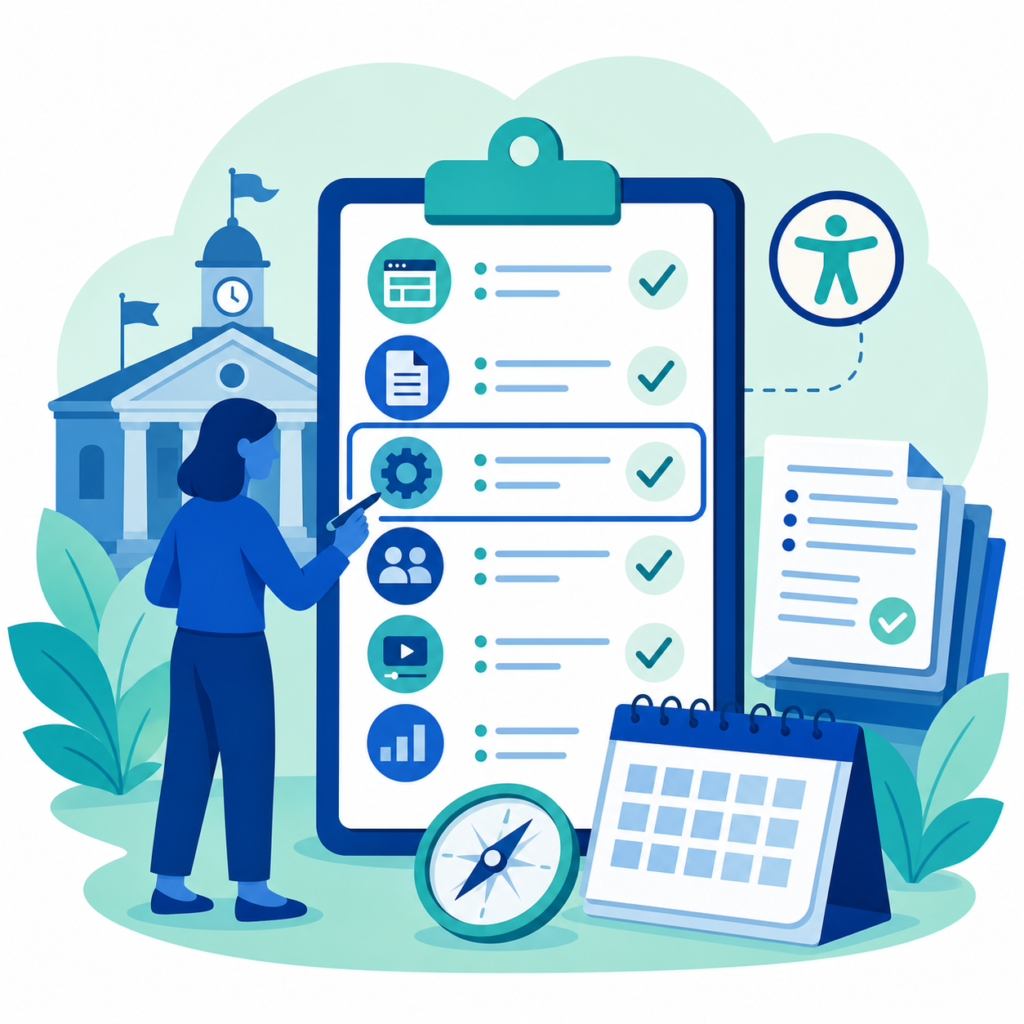
From there, you can build an ordered plan. Plain language. Real priorities. A number your town or city can put in the budget.
That is the purpose of a Digital Accessibility Needs Assessment. Not a thick report for a shelf. A clear picture of where you stand, what matters most, and what to do first.
A practical first month
If your municipality has not started yet, this is a reasonable first month:
- List the public-facing channels residents use.
- Identify the most-used resident tasks.
- Pull a sample of PDFs, forms, videos, and social posts.
- Ask CMS, SaaS, portal, and software providers for accessibility documentation and testing details.
- Run automated scans, but treat them as one input.
- Test a few key tasks manually.
- Identify who publishes content and what training they need.
- Separate urgent barriers from lower-priority cleanup.
You do not need every answer before you start. You need an honest picture of where you stand.
What is ADA Title II?
ADA Title II is the part of the Americans with Disabilities Act that applies to state and local governments. It requires public entities to make their services, programs, and activities accessible to people with disabilities.
What standard applies to municipal websites and apps?
The DOJ rule points to WCAG 2.1 AA for covered web content and mobile apps.
Do PDFs count under ADA Title II?
Yes. PDFs and other documents can be in scope, especially when residents use them to apply for, access, or participate in public services.
Do social media posts count?
Yes, social media belongs in the planning process. Older posts have a specific exception under the DOJ rule, but towns and cities still need a process for accessible social content going forward.
Is an automated scan enough?
No. Automated scans help find some issues, but they do not test the whole resident experience. Manual review and task-based testing are still needed.
Does our CMS or SaaS tool make us compliant?
No. CMSs, SaaS tools, and implementation partners can help, and contract language matters, but the municipality is still responsible for the public service residents use.
The real outcome
The best accessibility work does more than reduce legal risk.
It helps more people use public services on their own terms.
It helps a parent fill out a school form without help. It helps a resident read a town meeting agenda with a screen reader. It helps someone with limited hand movement renew a license without fighting a form. It helps an older resident understand an emergency notice on a phone.
Compliance matters. Access is the point.
Dirigo Interactive helps towns and cities assess their digital accessibility, prioritize the work, and build a plan their teams can maintain. If your municipality needs a clear first step, a 15-minute conversation is enough to see where things stand and what the next move should be.